Every asset is recorded once—with its code, category, make and model, serial number, and full purchase details—and stays traceable for life. Depreciation is calculated automatically, transfers between locations are logged with approvals, and periodic physical verification drives confirm the register matches reality, all backed by a complete, chronological blotter of every event.
Record asset code, name, category, make/model, serial number, and purchase details, with configurable categories for consistent classification.
Generate bulk asset labels and QR codes, then scan them for instant, on-the-ground lookup and verification.
Configure method, rate, useful life, and salvage value per asset, with current value computed automatically over time.
Record warranty periods per asset and get flagged ahead of upcoming expiries.
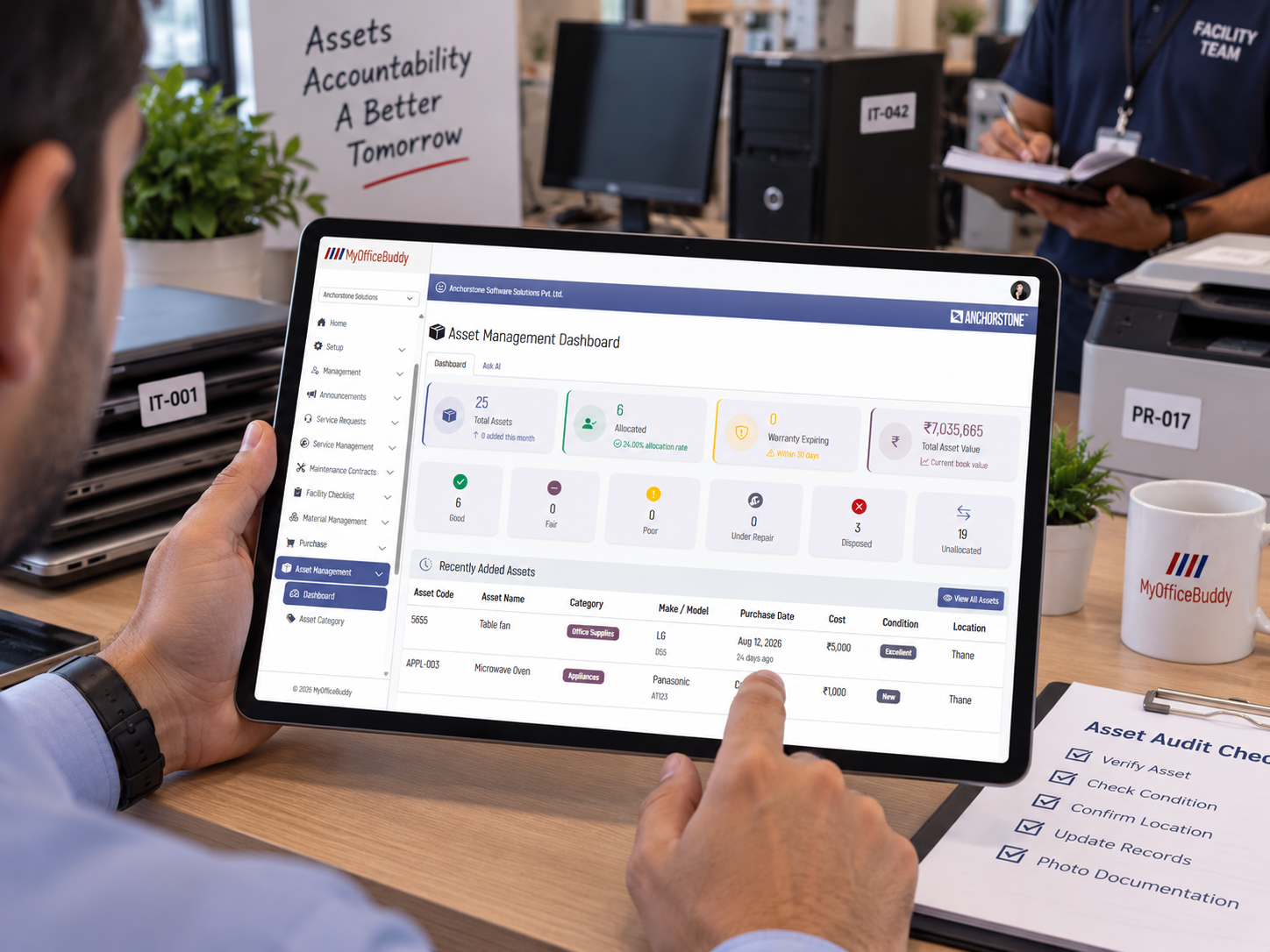
A new asset is recorded with its code, category, purchase details, and current location—ready for labeling from day one.
A QR/barcode label is generated and attached, and the asset is allocated to the right employee, department, or location.
Depreciation runs automatically in the background, keeping current value up to date for finance and audit.
As needs change, assets are transferred between locations with approval and notes captured along the way.
Periodic verification drives check the register against reality, flagging verified, missing, or mismatched assets.
When an asset reaches end of life, it's disposed with a documented reason—or reinstated if it comes back into use.
Track every movement between locations and properties, complete with reason, approval, and transfer notes.
Manage component-level sub-assets and allocate assets to employees or departments with clear accountability.
Retire or reinstate assets with a recorded reason—sale, scrap, or write-off—and a full audit trail.
A consolidated, chronological log of every asset event—creation, transfer, allocation, verification, disposition—for complete traceability.
See category-wise and location-wise distribution across your entire organization in one view.
Compare purchase cost against current depreciated value for every asset and category.
Monitor physical verification completion—verified, missing, and pending—in real time.
Review transfer and allocation history by asset, employee, or location, with warranty expiry and depreciation alerts.
Export the asset register and verification reports to Excel or PDF whenever audit or compliance needs arise.
A dedicated "Ask AI" tab on the dashboard lets your team ask natural-language questions about asset counts, values, locations, or warranty and depreciation status—answered in context, scoped to your organization, and shown inline in a running chat log for quick, iterative exploration.
A single digital register replaces spreadsheets, so every asset has a clear owner, location, and history.
QR-based scanning and verification drives turn physical audits into a quick, guided process.
Automated depreciation keeps current values accurate and ready for financial reporting.
Ask AI lets anyone query asset counts, values, locations, or warranty status in plain language, right from the dashboard.
Discover how MyOfficeBuddy's Asset Management module can replace spreadsheets with a single, audit-ready record for every asset you own.
Request a Demo